
Creating Your Account
Sign up for Dazl to start building interactive prototypes with your team.
Sign up for Dazl to start building interactive prototypes with your team.
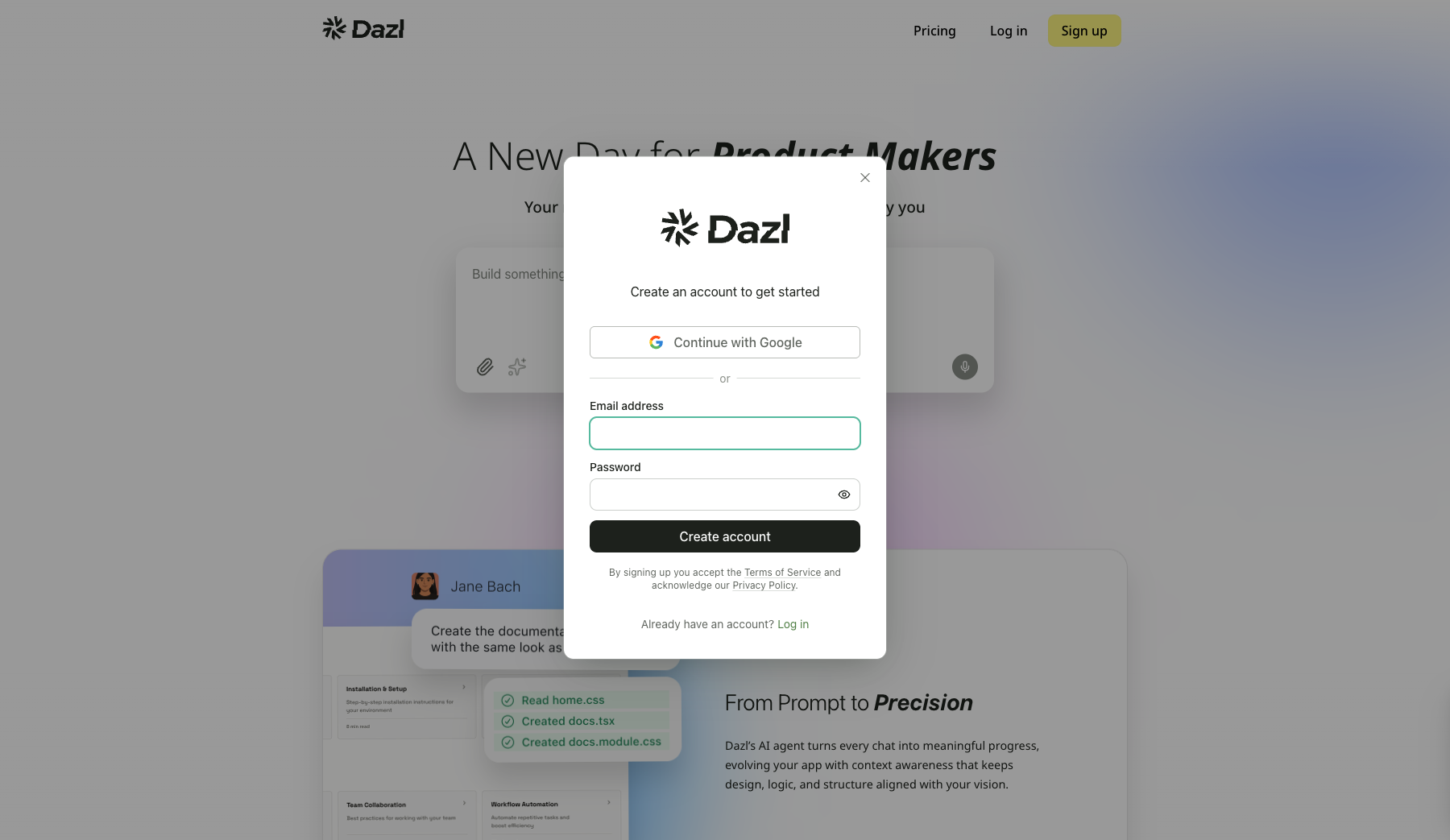
Signing Up
- Go to dazl.dev
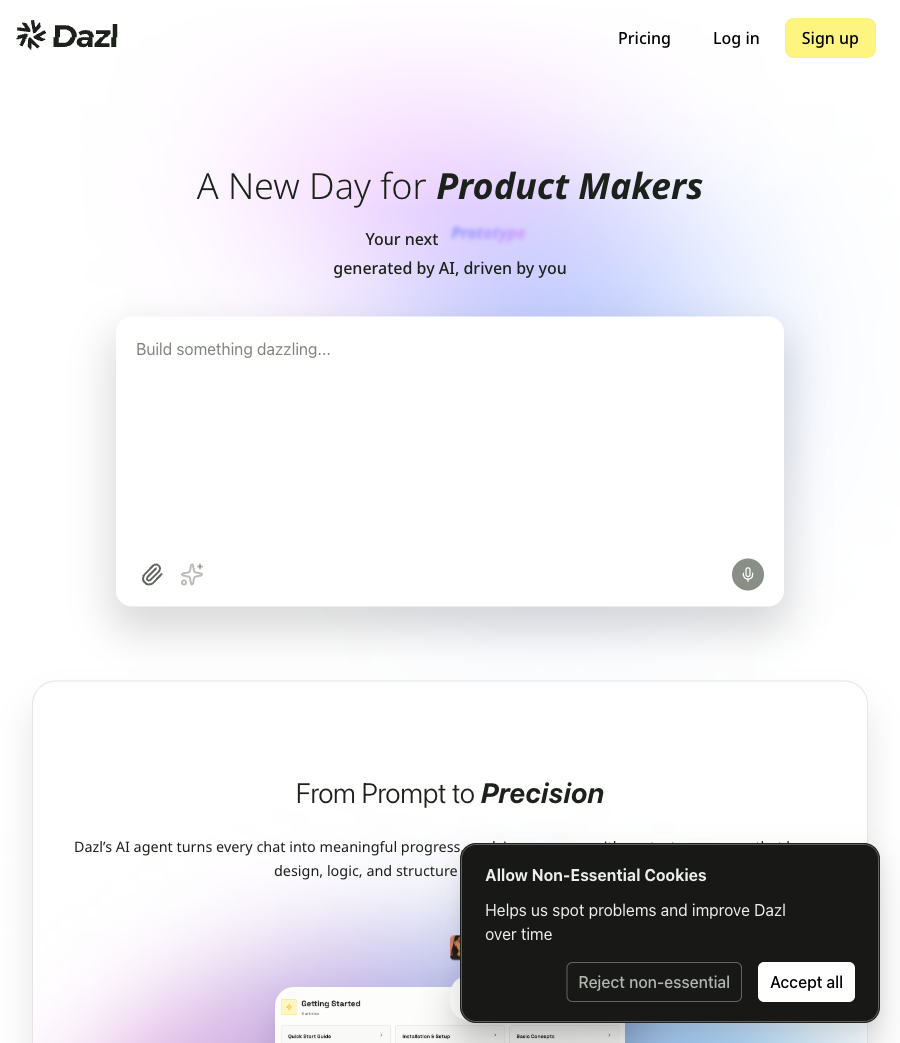
- Click Sign up in the top-right corner
- Choose Continue with Google or enter an email address and password, then click Create account
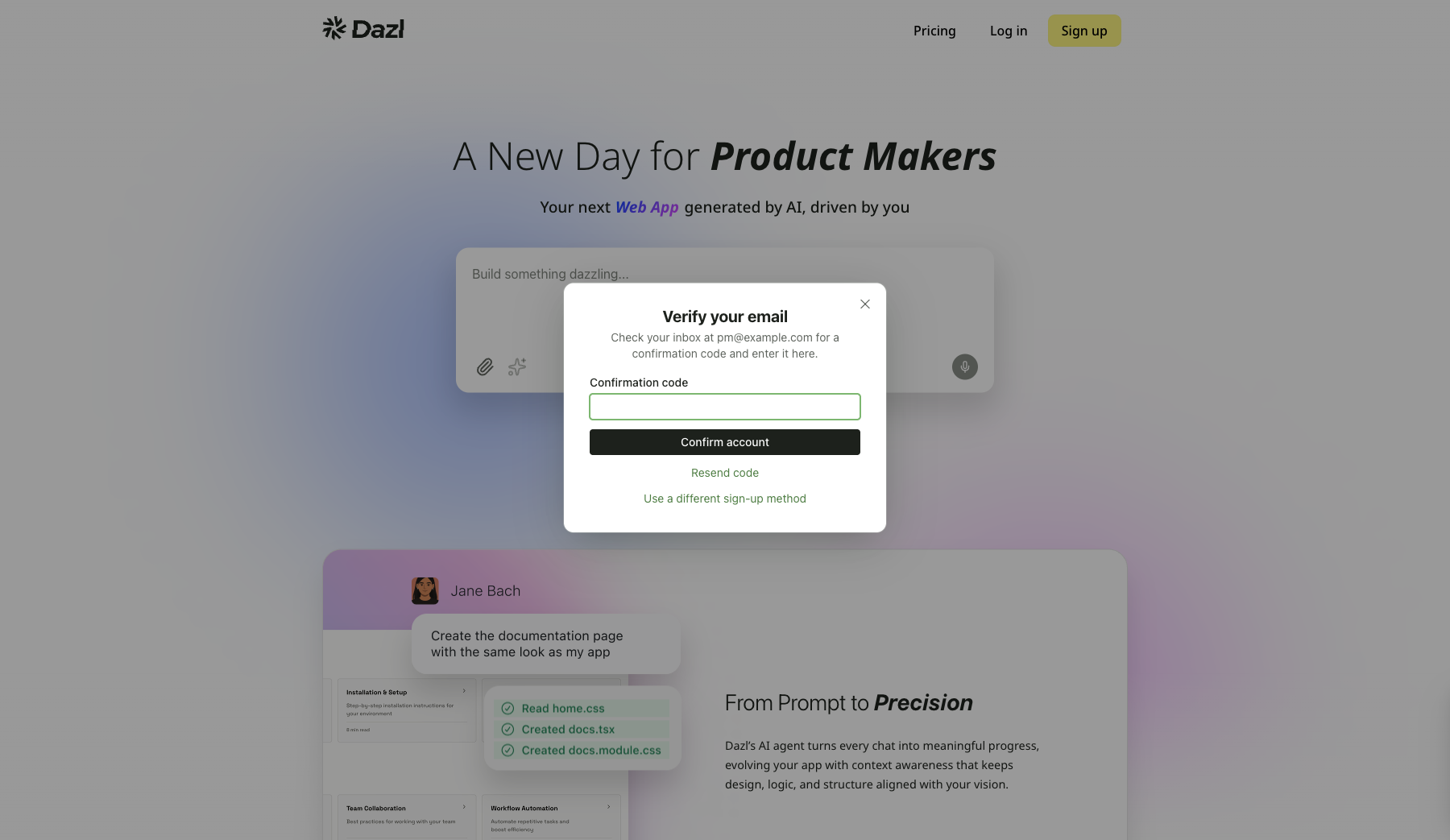
- If you signed up with email, check your inbox for a confirmation code and enter it on the verification screen
Once you're signed in, you'll land on the Dashboard, your home base for creating and managing projects.
Logging In
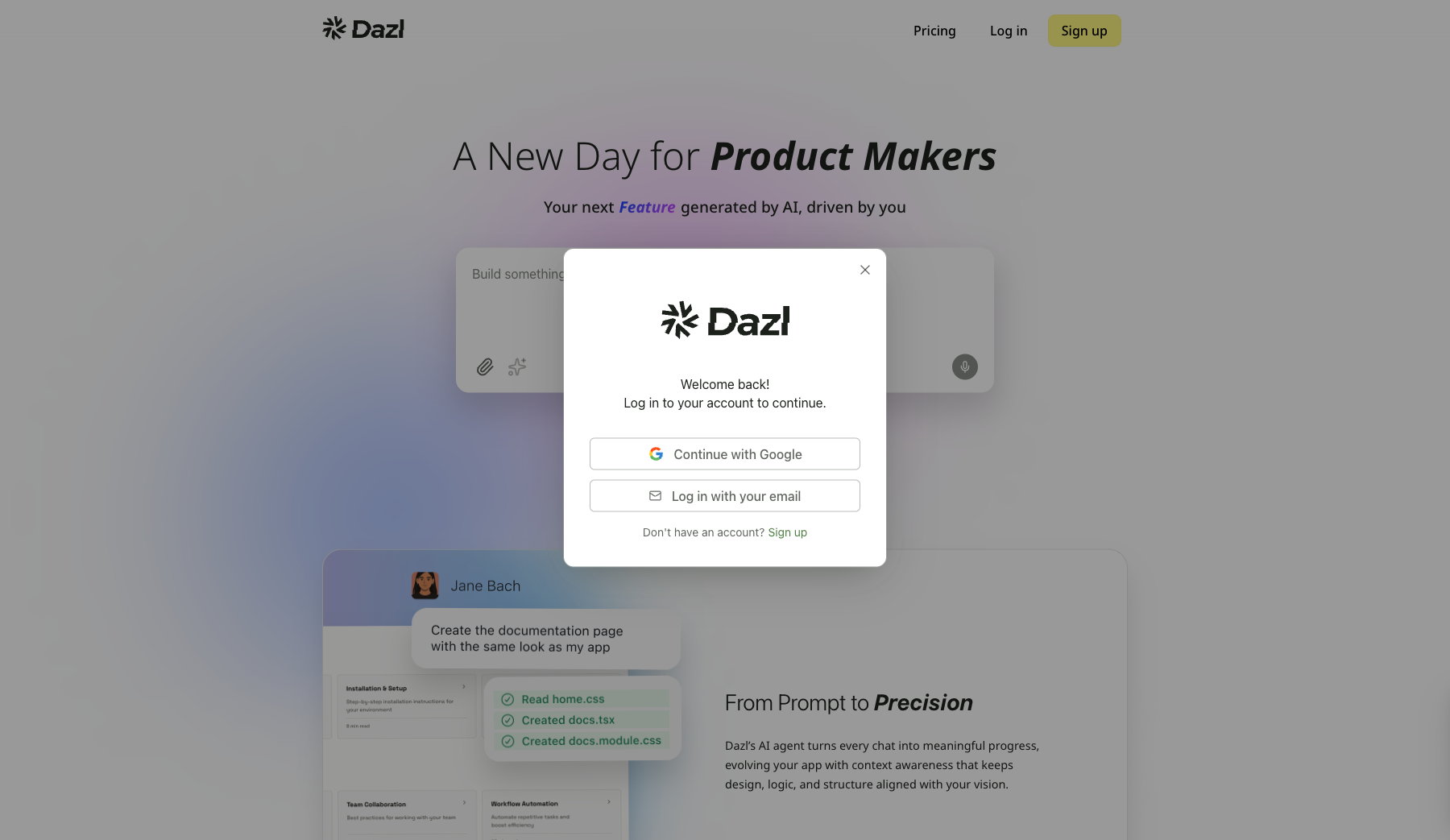
If you already have an account, click Log in on dazl.dev and choose Continue with Google or Log in with your email.
The Free Plan
Every new account starts on the Free plan with 5 credits per day (up to 150/month). Your current balance is visible in the user menu on the Dashboard and in the Project menu inside the editor.
Credits are consumed when the AI generates or modifies code in your projects. Visual editing, inspecting, and browsing your projects don't use credits.
Lighter AI models like Claude 4.5 Haiku and Gemini 3 Flash use fewer credits per interaction. You can switch models anytime using the Model selector in the Chat panel.
Managing Your Account
Click your avatar in the top-right corner of the Dashboard to access:
- Your current plan and email
- Balance — your remaining credits
- Upgrade — move to a Pro plan for more credits and features
- Manage Billing — update payment methods and view invoices
- Sign Out — log out of your account
Related Articles
- The Dashboard – tour the main screen and your projects
- Upgrading to Pro – learn about Pro plan benefits
- Your First Project – create your first interactive prototype