
Integrations
The Integrations panel connects your Dazl project to external services. It has two tabs: Integrations for MCP connections to external platforms, and Add-ons for library recipes.
The Integrations panel connects your Dazl project to external services. It has two tabs: Integrations for MCP connections to external platforms, and Add-ons for library recipes (covered in a separate article).
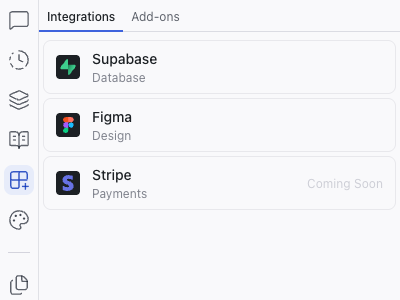
Available Integrations
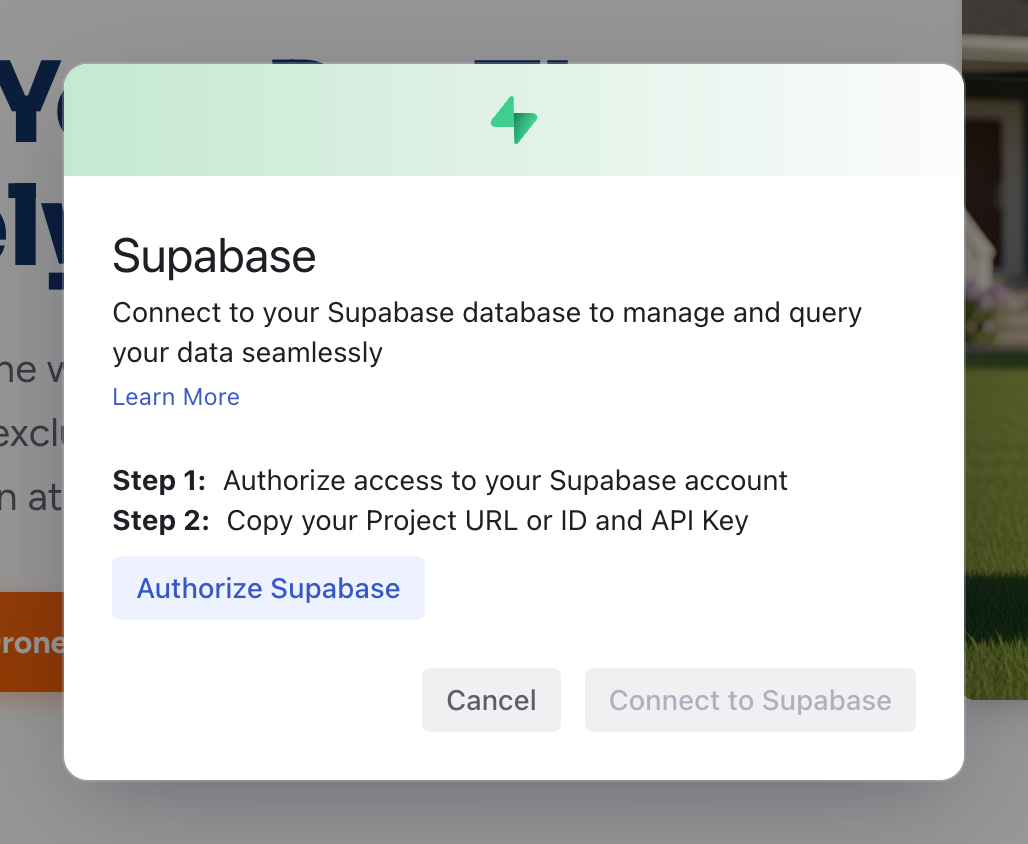
Supabase
Connects your project to a Supabase backend for:
- Database – store and query data
- Authentication – user sign-up, login, and session management
- Storage – file and asset management
Once connected, the AI can create database-backed features, authentication flows, and data-driven pages. You can also create a new Supabase project directly from Dazl after connecting your account.
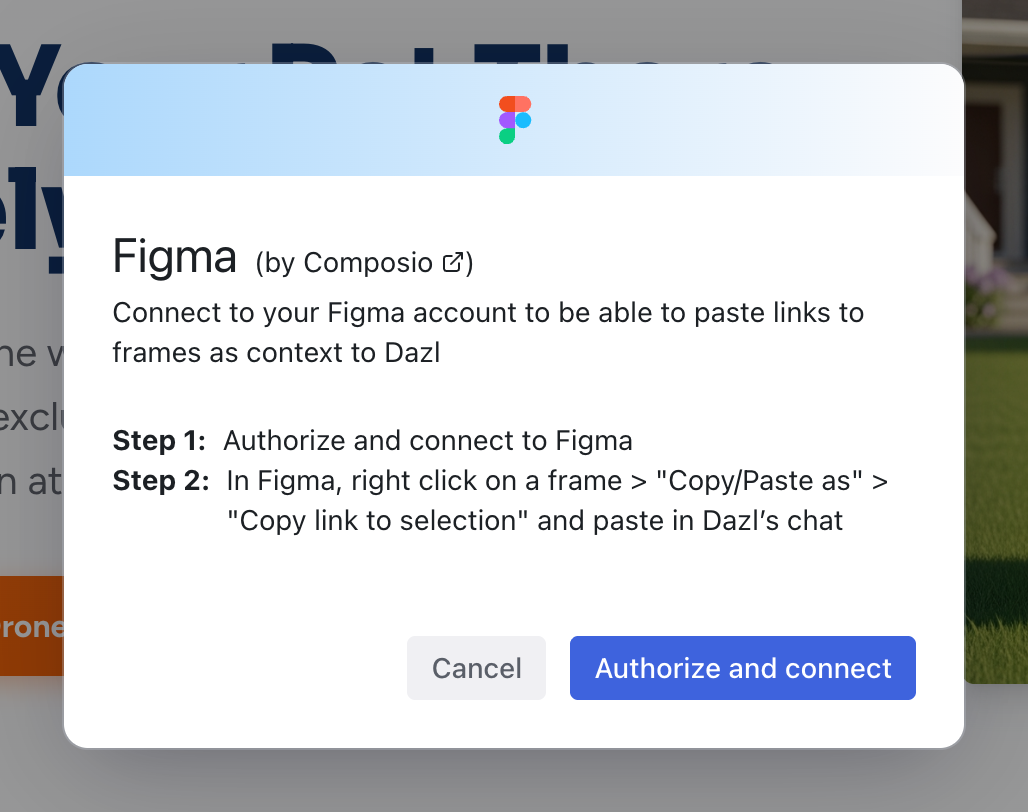
Figma
Import frames and designs from Figma directly into Dazl. The AI uses the design as a reference to generate working code that matches your layout and styling.
Related Articles
- Starting a Project – all the ways to begin a new project
- Add-ons – library integrations (different from MCP integrations)
- Pages and Routing – dynamic pages powered by Supabase data
Specs
The Specs panel is a file browser for your project's specification files: markdown documents that guide the AI's behavior when generating and modifying code.
Add-ons
Add-ons are pre-built recipes that help install and configure libraries in your project. They live in the Add-ons tab within the Integrations panel, and handle the initial setup steps (installing packages, creating configuration files, adding boilerplate) so you can start using a library without deep technical knowledge.