
History
The History panel shows a timeline of every change made to your project, with the ability to view diffs and restore previous versions.
The History panel shows a timeline of every change made to your project, with the ability to view diffs and restore previous versions.
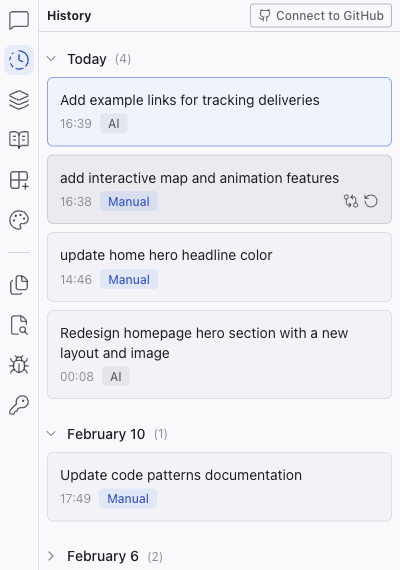
GitHub Connect
The GitHub Connect link appears in the panel header when your project is not yet connected to a GitHub repository. Click it to connect — once linked, you can push and pull commits from the top bar's GitHub button.
Revision Timeline
Revisions are grouped by date. Each entry shows:
- Title — description of the change
- AI / Manual label — source of the change
- Timestamp
- View changes — opens a diff showing exactly what was modified
- Restore — rolls the project back to this revision
Viewing Diffs
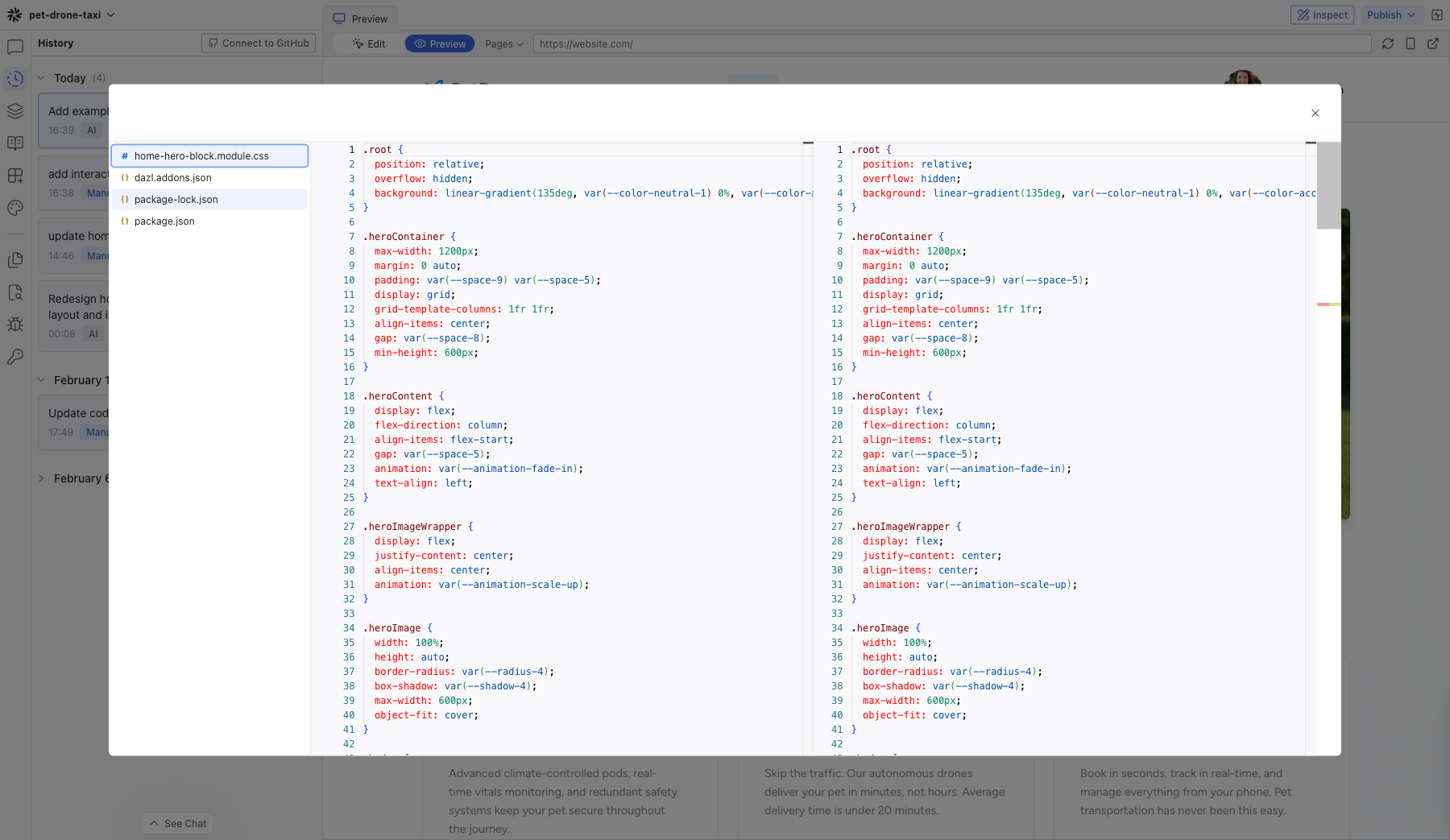
Click View changes on any revision to see a side-by-side comparison of the code that was added, removed, or modified.
Related Articles
- Understanding Changes – how to use history effectively
Chat
The Chat panel is the primary interface for working with the AI. It shows your full conversation history and provides the prompt box for sending messages.
Elements
The Elements panel shows a tree view of your project's component hierarchy for the current page. Click any node to select the corresponding element on the preview.