
Logs
The Logs panel shows runtime output from your project's client and server, helping you identify and troubleshoot errors.
The Logs panel shows runtime output from your project's client and server, helping you identify and troubleshoot errors.
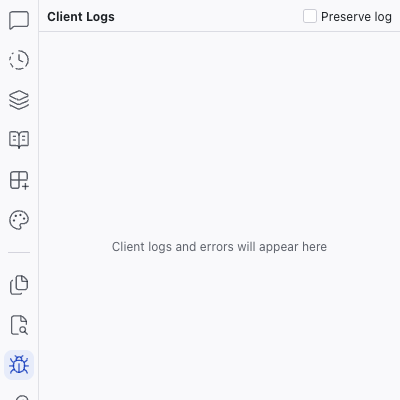
Log Streams
The panel is split into two sections:
- Client Logs – browser-side output (console messages, JavaScript errors)
- Server Logs – server-side output (API requests, server errors, startup messages)
Each section has a Preserve log checkbox. When enabled, logs persist across page reloads instead of being cleared.
AI-Assisted Debugging
Each log entry has an "Ask AI to explain this" button. Click it to have the AI analyze the message and explain what's happening. If the message is an error, the AI can suggest a fix or attempt a resolution directly.
This is one of Dazl's contextual AI experiences — localized AI help that works within the panel, without needing to switch to the Chat panel or write a prompt.
Related Articles
- Chat-Driven Editing – using the main chat for debugging
- Keys – manage environment variables that may affect server behavior
Search
The Search panel lets you search for text across all files in your project. Type a query in the search box and results appear instantly, grouped by file.
Keys
The Keys panel manages environment variables and API keys for your project. Secrets stored here are available to your project's server code without being exposed to the AI or visible in the codebase.